
Team photo print sizes: choose for names and framing
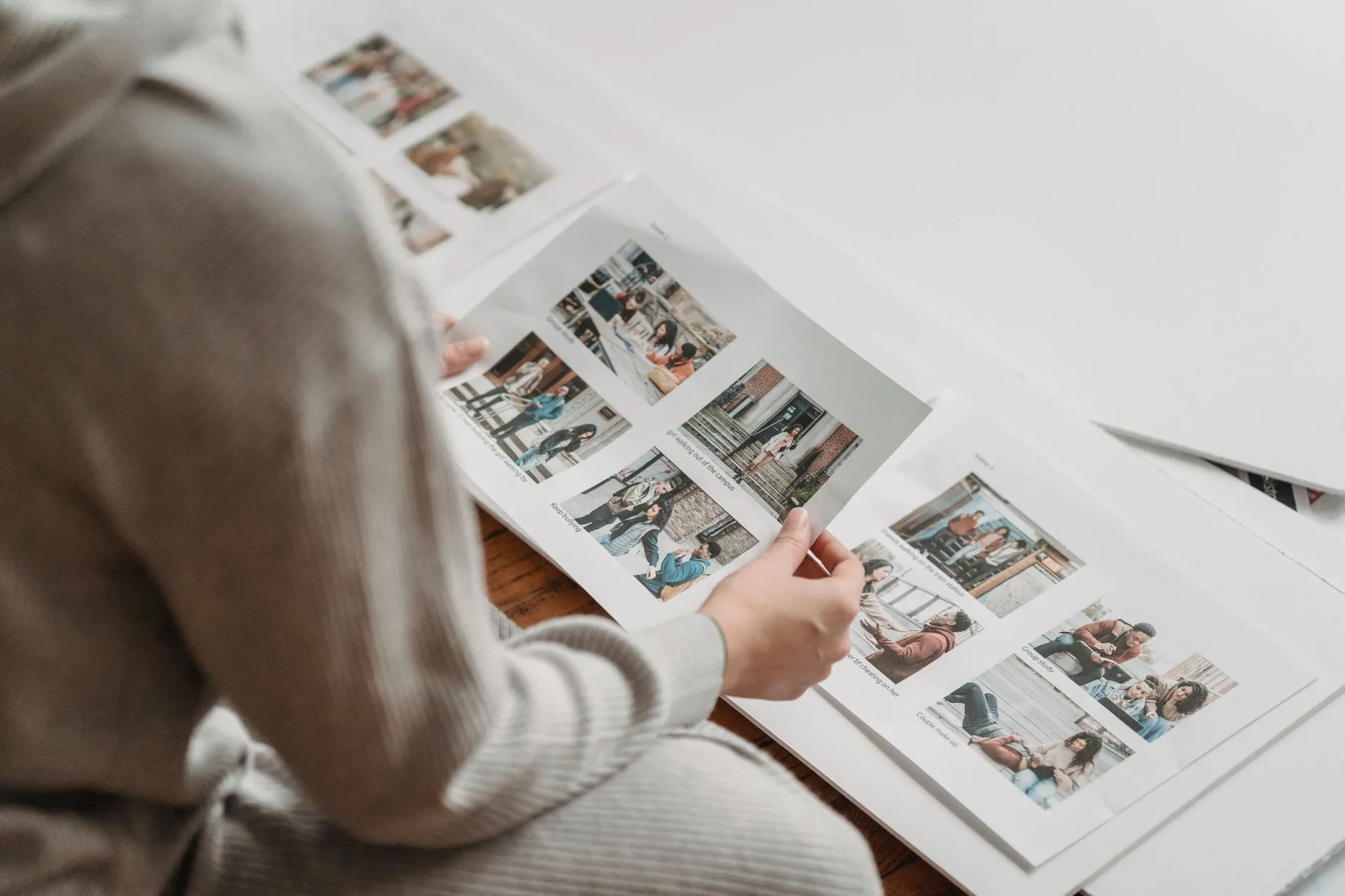
Team photo print sizes should suit the photograph, the name information and the place it will be displayed. Start with the actual product dimensions and preview, then check the frame or album you plan to use. A larger label alone does not tell you whether the crop, border and name rows will fit as intended.
Team photographs are often wider than individual portraits and may contain many small faces or several rows of text. Those features deserve a separate check from the overall paper size. When the product description is unclear, ask the studio before ordering rather than relying on how the preview looks on a phone.
Identify what the dimensions describe
Ask whether a listed size means the image area, the paper including a border or the outside of a finished framed product. These measurements are not interchangeable. An existing frame may have an opening smaller than its nominal size because of its mat or internal edge.
Measure the space you actually want the photograph to occupy. If it is going into an album, check the pocket or mounting area. If it is a gift, consider how it will be displayed rather than buying the largest option automatically.
The studio’s actual catalogue is the authority for available sizes. A platform can support a range of products without every club offering the same selection. Do not treat another provider’s price list as a specification for your own order.
Check the shape before choosing a frame
Compare the photograph’s shape with the intended product. A long team lineup, a more square composite and a vertical player portrait may need different layouts. Enlarging an image does not change its proportions; fitting a different shape can require a border or a crop.
Look for people, equipment, club information or name rows near the edges. A crop that seems minor on a portrait can remove a player from a group or cut part of the season label. Do not assume the online preview has already resolved the fit for a different frame you own.
If you want team photo framing with a mat, check the visible opening as well as the outer frame dimensions. Ask the studio how the chosen design is supplied and whether an alternative layout is available. Avoid asking a printer to stretch the photograph to fill a space, which can distort the people shown.
Think about readable names and faces
A team photograph can be a record that families revisit years later. Names may matter as much as the image. Consider where the print will sit and whether the people using it will be able to read the information at a comfortable distance.
There is no universal minimum size for every team. The number of players, name rows, design and viewing conditions all affect the result. Request guidance for the actual layout instead of relying on a single number that ignores those differences.
As an illustrative example, a large squad with several rows of names presents a different readability problem from a small team without captions. The larger group may benefit from a different product or design. That example is a decision prompt, not a guaranteed print specification.
Complete team photo proof approval first
Where the club approves names and layout, make that check before products proceed under the agreed process. Confirm team title, year, spelling, officials’ roles and name order against the actual proof. A larger print makes an incorrect name larger too; size does not fix an information error.
Give one authorised club contact responsibility for consolidating corrections. Multiple partial replies can make it unclear which version is approved. The studio needs a clear final response and a way to ask about anything ambiguous.
Families should still check the image and product they select online. If a portrait is attached to the wrong person or a team design appears wrong, use studio support before ordering. Avoid spreading a child’s details through a public message thread to explain the problem.
Distinguish a screen preview from the finished item
FotoPal Sports provides watermarked previews for family selection after the studio’s quality checks. A preview helps identify the photograph but is not the physical print. Screen size, brightness and viewing conditions can influence how an image appears.
Read any material, finish and product details the studio supplies. Do not assume a particular paper, frame, colour guarantee or border from a generic example. If those details are important for a gift or display, ask before checkout.
For digital files intended for later printing, check the file and usage specification with the studio. A downloadable image and a studio-made print are different purchases. The digital or print guide helps compare those options without assuming both are included.
Confirm delivery and handling of a problem
Check whether the selected print is delivered to the family or collected through an agreed club arrangement. Confirm the address or collection instructions, any delivery amount and the stated timing. The next-day online ordering proposition does not mean printed items arrive the next day.
When an order arrives, compare it with the ordered product and inspect it before discarding packaging. If there is a concern, contact the studio with the order reference and a clear description. The studio’s actual policy and applicable consumer rights govern the response; do not assume a correction or reprint process that has not been stated.
Discuss your club’s photo products with our team before booking, or use your supplied studio contact for an existing order. A clear size, layout and delivery choice helps families buy the keepsake they actually want.