
Team photo digital or print: choosing in FotoPal
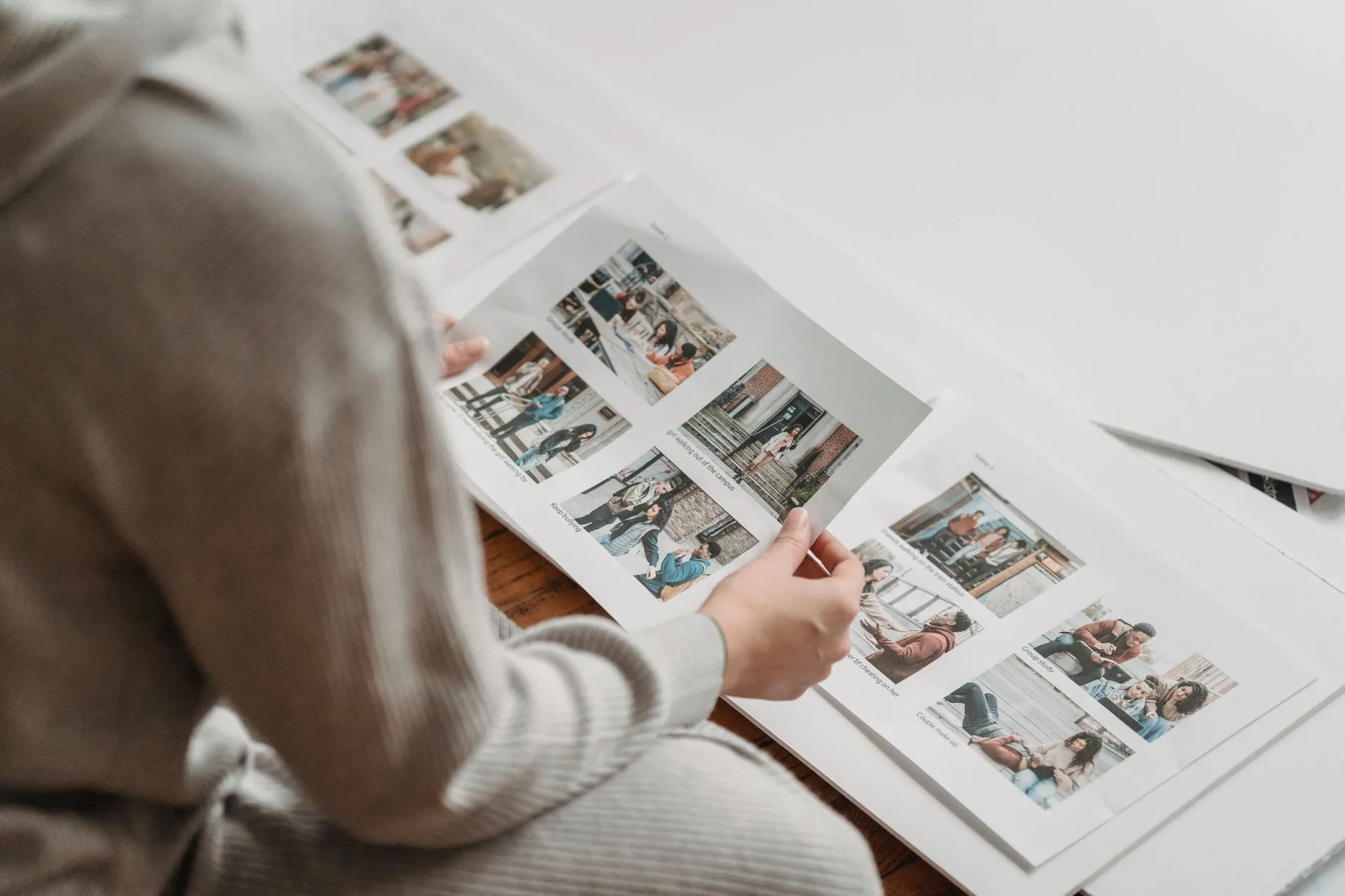
A team photo digital or print choice depends on how the family wants to use the photograph. A print is a physical item at a specified size. A digital product is a file with its own delivery format and permitted use. Check the actual club catalogue, the selected image and the order details rather than assuming a gallery preview includes both.
FotoPal Sports supports online selection after the studio releases the photographs. That gives families a chance to look at the available images before choosing. Products, prices and settings are controlled by the studio, so the options for one club are not automatically the options for another.
Start with the use you have in mind
Think about the destination: a frame at home, a gift, a family album or a digital record. A wide team composition with name rows may suit a different product from a close individual portrait. The desired use helps you ask the right question about size, crop and delivery.
Do not buy a digital product solely because you expect to print it at any size or use it anywhere. Check the supplied file specification and permitted use. Likewise, buying a print does not mean a separate high-resolution download is included.
If the club wants an image for a website, sponsor communication or other promotion, ask about that use directly. A family’s keepsake purchase should not be treated as an automatic club publication licence or permission from everyone shown.
Understand team photo digital downloads
Look for the actual download product and its description. FotoPal can provide edited downloads and, where the studio enables the option, originals. The existence of a preview does not establish which version is offered or what a family is purchasing.
Team photo digital availability is a studio choice; the documented default is off. If enabled, access is limited according to the actual team and family rules. Do not assume a player can download every team image at the club because they have one registered membership.
Download links are time limited and can be regenerated on a return visit while the file remains available under the studio’s arrangements. That is different from a permanent public file address. Save the purchased files appropriately and check the studio’s gallery and archive policies rather than relying on indefinite future access.
Check what a preview is showing
FotoPal previews are watermarked. They help families select photographs, but they are not the purchased print or download. A small screen also cannot show the physical size of a framed product. Read the product description alongside the image.
Look at the selected player, team, season and image before checkout. Check whether the product uses a portrait alone, a team image or a designed combination. If a name or assignment appears wrong, contact the studio rather than buying first and hoping the order will correct it automatically.
The studio checks photographs before opening the gallery. That quality stage supports release, but it does not replace the family’s check of what they have selected. An access issue or missing photograph should go through the supplied support route.
Compare team photo prints by their actual dimensions
A print size should describe the product, not just a label such as small or large. Check whether dimensions refer to the image, the paper or a framed outer size. A design with a border and name rows may need extra consideration when choosing an existing frame.
Look at crop and orientation. A landscape team photograph may lose people or text if forced into a portrait-shaped space. Ask about the available layout instead of assuming every size will show the same composition. Our print sizes guide explains those checks in more detail.
Confirm how the item is delivered and whether delivery or collection has a separate charge. Physical production and transport have their own timetable. “Shoot today. Order tomorrow online with the app” concerns the intended online ordering journey, not next-day arrival of a printed product.
Make a fair cost comparison
Compare the complete basket rather than only a headline price. A family may want one digital portrait and several prints, while another wants a single team keepsake. Check whether the actual catalogue has a package that fits and whether each chosen item is included.
Prices shown in FotoPal’s documented studio checkout are in Australian dollars and include GST. Read the current checkout details and any delivery amount before paying. Do not assume another club’s discount, early-bird period or package applies to this season.
If multiple siblings are registered, check how the studio’s available products combine them. A family registration feature is not itself a promise of a sibling bundle or discount. Ask before placing an order when the description does not answer the question.
Keep sharing and storage deliberate
Store digital files where your household can find them, with an appropriate backup. Keep access links and sign-in codes private. Before sharing a photograph of other children online, check the relevant permissions and club policy; buying a product does not answer every sharing question.
For order-specific help, use the contact supplied by your studio and include the order reference where available. The FotoPal help page covers common gallery, sign-in and download questions.
If you are coordinating a new club booking, discuss photo packages with our team. Describe the kinds of keepsakes families want so the actual product and delivery options can be agreed before photo day.