
Sibling sports photos and family registration in FotoPal
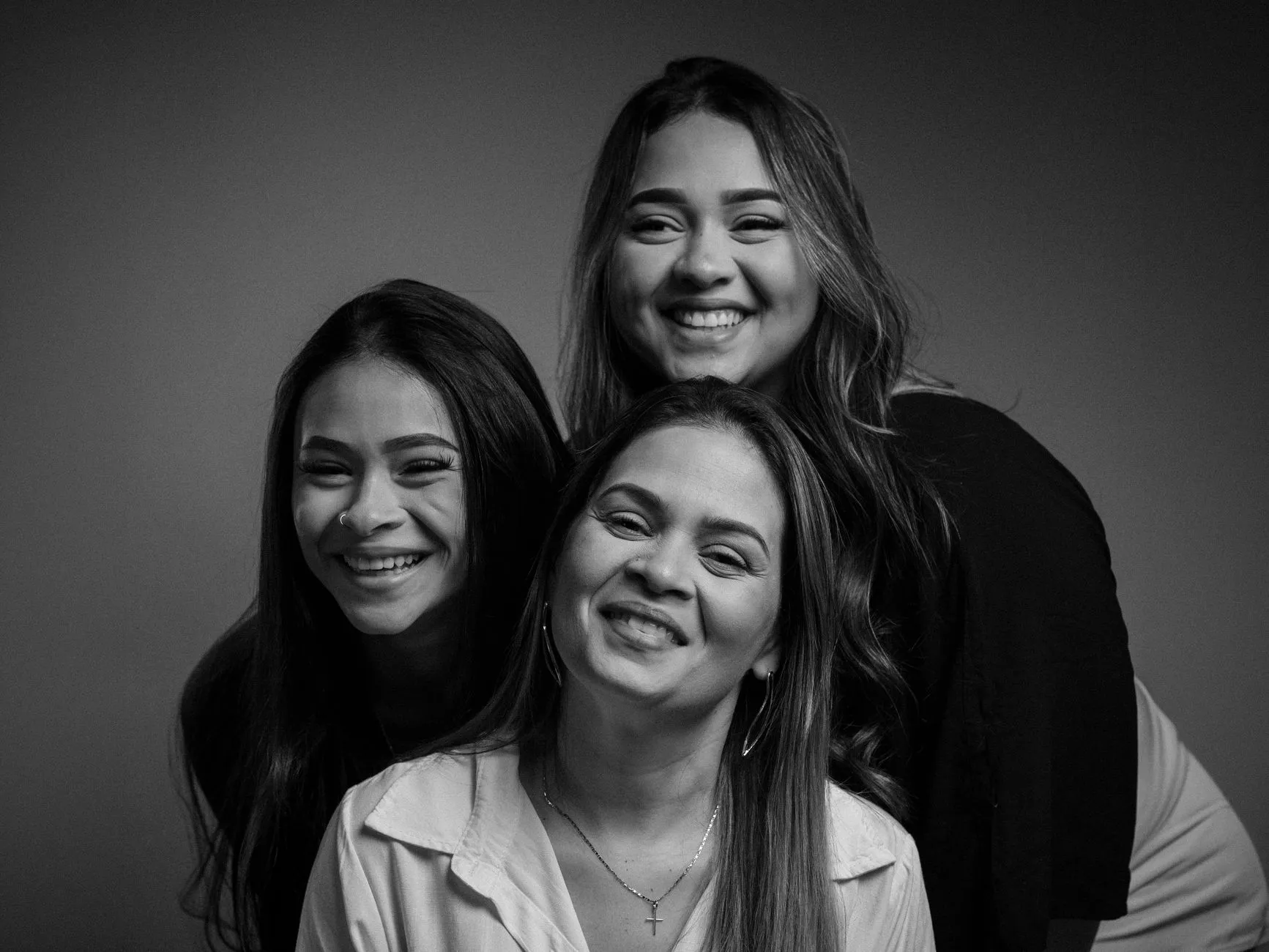
Sibling sports photos can be a useful extra for a family whose children play in different teams. Arrange the portrait before photo day, confirm whether it is part of the agreed service and choose a time that does not disrupt either team. Adding several children to a FotoPal family registration does not automatically book an extra photograph or give a family access to every player in those teams.
The simplest plan separates three questions: who needs to be registered, which photographs will be taken and which products a family may later order. Keeping those decisions clear prevents a registration feature from being mistaken for an included package.
Separate the family account from the photograph
FotoPal Sports supports family registration with multiple children and team memberships. The studio’s approval rules still apply. Use the club code and instructions supplied for your own season, and check the names and teams before submitting them. Do not borrow another family’s gallery link to get around an access problem.
A sibling portrait is a separate photographic arrangement. Tell the coordinator which children would be involved and ask the studio whether it can be accommodated. A family may have two registered players but want only their normal team and individual photographs. Another may want a combined portrait as well. Neither preference should be assumed.
If one sibling does not play for the club, ask about that situation explicitly. The studio and club need to agree whether the additional person can attend the session and how permission, timing and any charge will work.
Fit the request into the team photo schedule
Find a time when the children are ready without leaving a team short for its own photograph. A shared family arrival does not always mean adjacent team slots will work. One child may have a match, another may train elsewhere and an older sibling may arrive separately.
The coordinator can note the request alongside the timetable and check it with the photographer. Give the family one confirmed instruction, including where to wait and who will call them. Do not create an unofficial queue beside the camera or ask a child to leave their team without the responsible adult knowing.
An illustrative example is two siblings whose teams are photographed half an hour apart. The question is whether a short agreed family slot fits between groups or after the second team. That is a planning example, not a promised duration or an entitlement to interrupt another booking.
Agree kit and the kind of portrait
Ask whether the family wants each child in their own team uniform or another agreed option. Mixed sports can make a memorable picture, but equipment and clothing need to be suitable for the space. Large bags, sticks and other gear should stay clear of the route used by other families.
Keep the portrait choice age-appropriate and comfortable. Children should have a chance to say when they do not want a pose or need a pause. A combined photograph should not depend on lifting, balancing or making physical contact that someone dislikes. Explain the request to the photographer and accept an alternative that works for those involved.
If matching kit is important to the family, check it before leaving home. The studio should not be expected to digitally change uniforms, remove a sponsor or replace a face simply because the siblings wore different items.
Understand sibling photo packages before ordering
Photo availability and product availability are different. A photograph appearing in a gallery does not mean every print size, layout or bundle is offered. The products and prices enabled for that club determine what families can select. Check the actual catalogue and any terms shown before paying.
Some families want individual player photos for each child and one shared print. Others prefer a digital option where available. Ask how the studio handles a combined image, which family account should place the order and whether the desired item is included in a package or purchased separately. Do not assume a platform-wide sibling discount.
Club Photo Day’s intended workflow is “Shoot today. Order tomorrow online with the app.” Photographs are checked before the studio opens the gallery. Families can then make their choices from the released images; physical production and delivery follow the selected products and agreed arrangements.
Use the correct email and keep links private
FotoPal sign-in uses an emailed code or magic link rather than a password. Ordering verifies the email associated with access. Use the email supplied for your family’s registration and follow the message instructions. If a guardian needs different access, contact the studio instead of forwarding codes or changing someone else’s details.
Family circumstances can be sensitive. Discuss access arrangements privately with the authorised studio contact. The club’s general committee chat is not the place to explain restricted contact, custody matters or a child’s personal information.
The FotoPal family help page explains common sign-in and gallery questions. For a particular portrait or order, use the studio’s supplied support details so the request reaches someone able to check your season.
What to tell the club coordinator
Give the adult coordinator the children’s relevant teams, the requested sibling photograph and any timing constraint. Share names and access information only through the agreed registration or studio process. Confirm the request has been accepted rather than relying on a casual conversation at training.
For a new club booking, enquire about your club photo day. Include whether optional sibling portraits are something your families would like, so the scope and timetable can be discussed before the day.